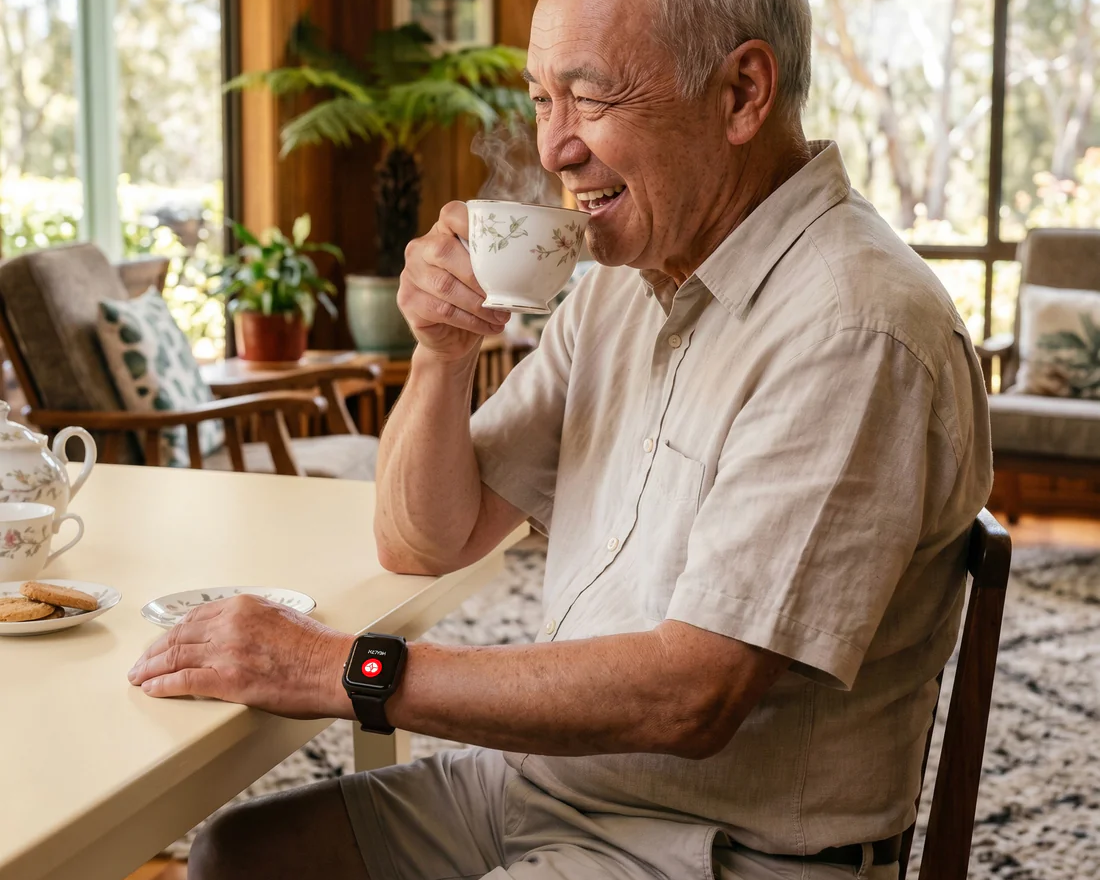
I used to think a MedAlert personal alarm was one of those things you buy “later” for ageing parents. Like grab bars. Like a better shower mat. Stuff that feels… a bit dramatic, until it suddenly isn’t. Then you get a phone call that starts with, “I’m fine, but…” and your stomach drops anyway.
A personal alarm is not about wrapping your parents in bubble wrap. It’s about shrinking the time between something going wrong and someone getting help. That’s it. That’s the whole game. But choosing one is weirdly confusing. There are wristbands, pendants, “smart” watches, apps, monthly monitoring, fall detection that may or may not work, and a million promises on the box.
So here’s a practical way to choose the best personal alarm for your ageing parents, without getting lost in features that don’t matter or worse, buying something they won’t wear.
Start with the real question (not the product)
Before you compare brands, ask this:
What situation are we trying to cover?
Not “emergencies” in general. Be specific. Because the right alarm for a steady 70 year old who lives independently is different to the right alarm for an 88 year old with balance issues who sometimes forgets their phone exists.
A few common scenarios:
- Falls at home, especially in bathroom, bedroom, stairs.
- Falls outdoors, on walks, gardening, errands.
- Medical episodes, dizziness, fainting, chest pain, low blood sugar.
- Getting stuck, can’t get up from the floor, can’t reach phone.
- Wandering or disorientation, more common with memory issues.
- Simple reassurance, they feel safer knowing they can press one button.
Pick the top one or two. That choice will drive everything else.
For situations like falls at home or medical episodes where immediate assistance is crucial, consider exploring options like those offered by MedAlert which provide reliable personal alarms designed specifically for such emergencies.
Understand the 3 main types of personal alarms
Most devices fall into one of these buckets. Once you know which bucket you need, the search gets way easier.
1) In home personal alarms (base unit + wearable button)
This is the classic setup.
There’s a base unit in the house (it connects through a landline or cellular), and your parent wears a pendant or wrist button. If they press it, the base unit contacts a monitoring center or chosen contacts.
Good for:
- Mostly at home
- Doesn’t carry a smartphone reliably
- Wants simple, one button
Watch out for:
- Range limits. Many work only within a certain distance from the base.
- If they go out into the garden or to the mailbox, does it still work?
2) Mobile personal alarms (works anywhere with cellular + GPS)
These are wearables or small devices that have their own SIM or cellular connection. They can call for help away from home and often include GPS location.
Good for:
- Still active, goes out alone
- Driving, walking, shopping
- Any risk outside the home
Watch out for:
- Battery life and charging habits
- GPS accuracy (varies)
- Ongoing monthly cost
3) Smartwatch / phone based SOS (Apple Watch, Android watches, apps)
This can work really well. Or it can be a mess. Depends on your parent.
Good for:
- Comfortable with tech
- Already wears a watch daily
- Can charge devices consistently
- Already has a smartphone and uses it
Watch out for:
- Too many screens, notifications, menus
- Forgetting the phone at home (if watch depends on phone)
- Short battery life
- Tiny icons, fiddly straps
If you’re not sure, a good rule is: if your parent doesn’t already wear a watch now, they probably won’t start just because it’s an alarm. Not always, but often.
Age matters, but not in the way people think
It’s less about the number and more about independence, confidence, and consistency.
Here’s a rough guide. Not a rule, just a starting point.
Ages ~65 to 74 (generally active, independent)
Often the best fit is a mobile personal alarm or watch based SOS, especially if they’re out and about. Many people in this range don’t want something that “looks like a medical device”, which is fair.
Focus on:
- Discreet design they’ll actually wear
- GPS if they walk alone
- Easy family contact alerts
Ages ~75 to 84 (more variation)
This is where falls become more common, and routines become more rigid. A lot of people in this range do fine with a simple pendant + monitoring, especially if they spend most time at home.
Focus on:
- Comfort and wearability
- Loud two way speaker (if it has it)
- Fall detection if appropriate (more on that in a bit)
- Waterproofing (bathroom risk is real)
Ages ~85+ (higher risk, higher stakes)
You want reliability, simplicity, and fast escalation.
Focus on:
- Monitoring center (not just “it texts family”)
- Strong fall detection if they’re high fall risk
- Waterproof wearable
- Clear process when they press the button (and when they don’t)
And also, in this age range, the most important feature is not even technical.
It’s whether they will wear it every day.
The features that actually matter (and the ones that don’t)
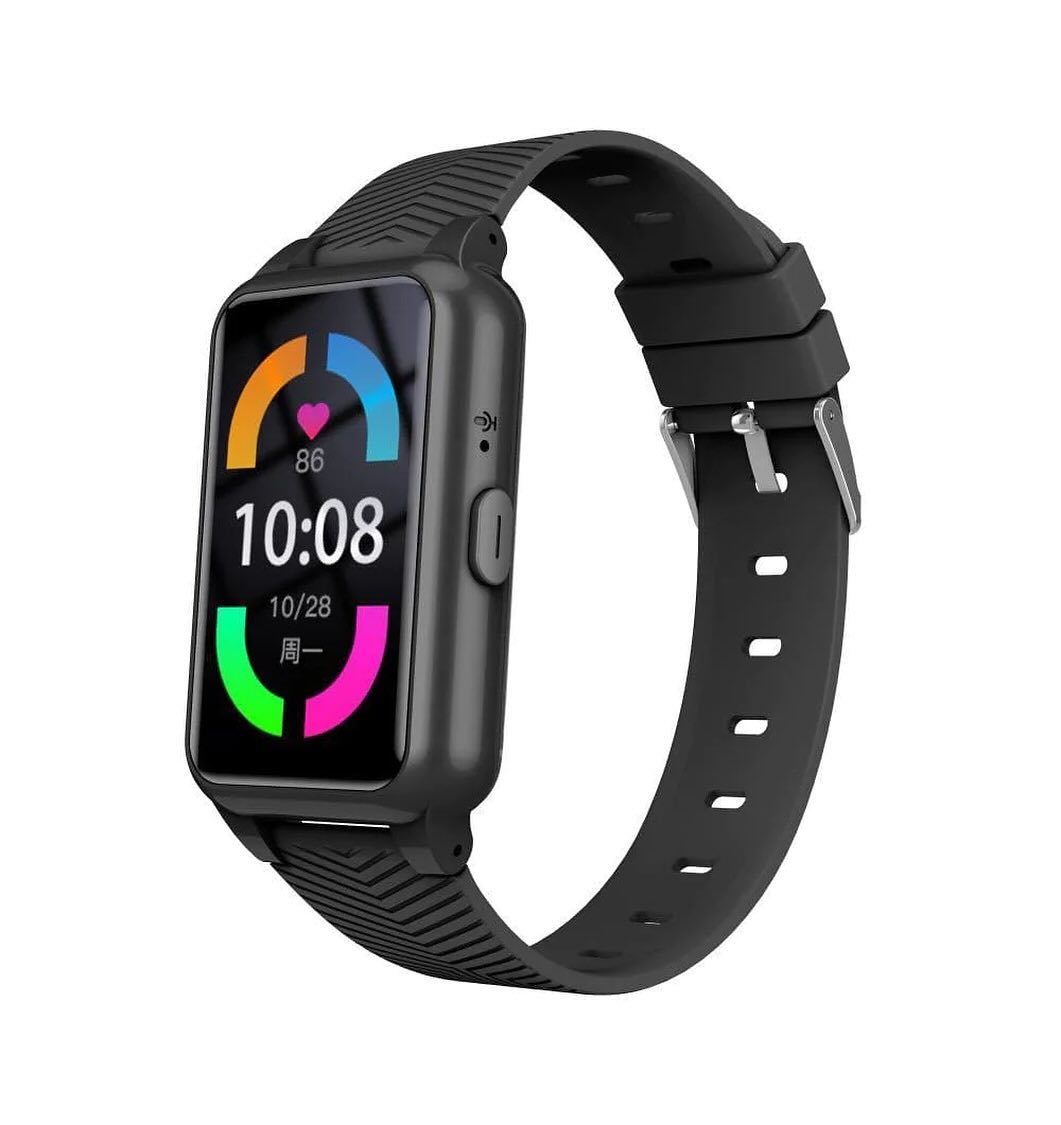
Let’s talk through the big ones.
1) Monitoring center vs family only alerts
Some alarms connect to a 24/7 monitoring center. Others simply call or text family.
Neither is automatically “better”. It depends on your situation.
Monitoring center is worth it if:
- You live far away
- You can’t always answer immediately (work, sleep, flights, kids)
- Your parent might press the button and not explain clearly
- You want professional dispatch (ambulance, etc.)
Family only alerts can work if:
- There’s always someone nearby
- You have a strong local support network
- Your parent is good at communicating what’s happening
One uncomfortable truth: if the system depends on you picking up at 3am… make sure you actually can.
2) Two way voice (speaker + microphone)
This is big.
When the alarm is pressed, can your parent speak to someone through the device? Or do they need to answer a phone call?
For many older people, especially after a fall, fine motor skills and orientation can be off. They might not manage a phone. Two way voice on the device can make the difference.
Look for:
- Clear audio
- Loud volume
- Works even if they’re on the floor
3) Fall detection (helpful, but not magic)
Fall detection sounds like a no brainer, right?
But here’s the thing. It can:
- Miss some falls (slow slides, collapsing onto a sofa, etc.)
- Trigger false alarms (dropping the device, sitting heavily)
So don’t buy a device and assume you’ve “solved” falls. It’s more like a safety net with holes. Still worth it for the right person.
Fall detection is most useful when:
- Your parent has a history of falls
- They live alone
- They might not press the button (panic, unconsciousness, confusion)
It can be a bad fit when:
- They get annoyed by false alarms and stop wearing it
- They’re still quite active and the sensor gets triggered often
If you choose fall detection, ask:
- How does it confirm a fall?
- Does it ask the user “Are you OK?” before calling?
- Can sensitivity be adjusted?
- What’s the average false alarm experience like (look at reviews)
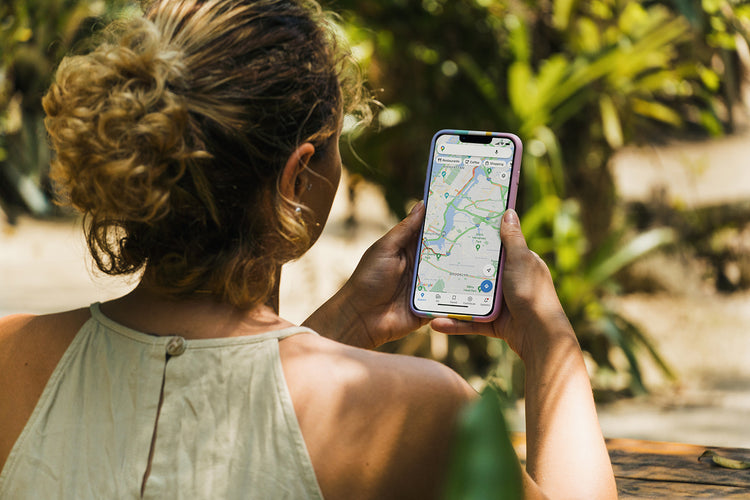
4) GPS location tracking
If the device is meant to work outside the home, GPS matters.
But GPS is not all equal. Some devices update location every few minutes, some on demand, some are slow to lock on. For instance, the accuracy of certain GPS watches can vary greatly.
You want to know:
- Can family view location in an app?
- How accurate is it in buildings?
- Does it show last known location if signal drops?
- Does it have geofencing alerts (useful for wandering risk)
5) Battery life and charging
This is where many “perfect” devices fail in real life.
If your parent won’t charge it, it doesn’t matter how good the fall detection is.
Be brutally honest about habits:
- Do they charge a phone daily already?
- Will they remember to put a pendant on a dock?
- Will they lose a cable?
In general:
- In home base systems often have long wearable battery life.
- Mobile GPS devices need more frequent charging.
If you can, pick something with:
- Simple charging dock (drop in, not fiddly)
- Battery low alerts to family
- At least a couple days of battery, ideally more
6) Waterproofing
A lot of serious falls happen in the bathroom. Slippery floors, stepping out of the shower, rushing, dizziness.
So check:
- Is it water resistant or actually waterproof?
- Can it be worn in the shower?
- Does the warranty cover water damage?
7) Comfort and “will they wear it?”
This is the most underrated thing.
Some parents hate pendants. They feel labelled. Or it bangs on the counter. Or it looks medical. Or it tangles.
Some hate wristbands because it feels tight, or they already wear a nice watch.
So you’re choosing a device and also choosing a form factor they’ll accept.
Try to match their identity:
- If they always wear jewelry, a pendant might work.
- If they always wear a watch, a watch style alarm might work.
- If they hate stuff on their body, consider something clip on, but then you risk them not clipping it.
If possible, show them two or three options and let them pick. It shifts it from “I’m being monitored” to “I’m choosing my safety tool”.
Match the alarm to living situation
The home setup matters a lot.
If they live alone
Prioritize:
- Monitoring center
- Fall detection (if appropriate)
- Two way voice
- Battery and compliance
- Clear escalation chain
Also, plan for the worst case: they can’t speak. What happens next?
If they live with a spouse (who is also elderly)
Still consider a personal alarm. Because the spouse may not be able to lift them, reach them quickly, or stay calm. Harsh but true.
If they’re in assisted living
Ask what systems the facility already has. Some places have call buttons, pull cords, nurse call systems.
But those systems aren’t always worn outside the room, and response times vary.
A personal alarm can still be useful for:
- Outdoors on facility grounds
- Bathrooms
- When staff are busy
If they visit multiple places (your home, siblings, travel)
A mobile alarm tends to be better. In home base units are… home bound.
What the monthly plan really buys you
A lot of people get hung up on “no monthly fee”. I get it. But monthly fees can be totally reasonable if they pay for real coverage.
When comparing, ask what’s included:
- 24/7 monitoring or not
- Number of emergency contacts
- GPS tracking access
- App access for family
- Device replacement policy
- Activation fees
- Contract length
- Cancellation policy
The cheapest plan is not the cheapest plan if it locks you into a long contract or makes you pay for basic features later.
A simple shortlist process (the one I wish I used earlier)
Here’s a straightforward way to choose without overthinking.
Step 1: Decide where it must work
- Only at home? In home system is fine.
- Home + outside? Mobile system.
Step 2: Decide who responds first
- Family only
- Monitoring center
If you’re not 100 percent sure you can always respond, pick monitoring. You can still be contacted, you’re just not the only line of defense.
Step 3: Pick the form factor they’ll wear
Pendant, wrist, clip, watch.
Be honest. If they say “I won’t wear that,” believe them.
Step 4: Decide on fall detection
If they have a history of falls, balance issues, or live alone, it’s worth serious consideration. If they’re active and will be irritated by false alerts, maybe skip it and focus on a reliable manual button.
Step 5: Check the boring stuff
- Waterproof for shower?
- Battery life realistic?
- Two way voice?
- Range (if in home)?
- Cellular coverage in their area?
That’s basically it. Everything else is bonus.
Have the conversation without making it a fight
Sometimes the biggest hurdle isn’t choosing. It’s getting them to accept it.
A few things that tend to work better than “You need this”:
- Frame it as independence. “This helps you stay in your home longer.”
- Frame it as for you. “It would help me worry less.” (This often lands.)
- Offer choice. “Do you prefer a wrist one or a pendant?”
- Avoid catastrophe language. If you lead with worst case scenarios, they may dig in.
Also, expect some resistance. It’s normal. It touches pride.
If they’re stubborn, one approach is a trial period. “Let’s try it for 30 days and if you hate it, we stop.” Most people get used to it once it becomes routine.
However, during these discussions, it’s crucial to establish healthy boundaries and communicate effectively to avoid potential conflicts. For guidance on how to navigate such conversations, especially if they become challenging, consider exploring resources like this article on setting boundaries with parents who are abusive.

Don’t skip the setup and testing (seriously)
Whatever you buy, do a proper setup day. Not a five minute unboxing.
- Program contacts.
- Test the button from different rooms.
- Test it in the bathroom with the door closed.
- Test it outside near the garden gate if it’s an in home unit.
- Make sure the monitoring center has correct address details.
- Teach them what to say when it connects.
- Teach them what happens if they press it by accident.
Then test again a week later. You’d be surprised how often something small breaks the chain.
Common mistakes people make (so you can avoid them)
- Buying the most advanced device and ignoring whether it will be worn.
- Assuming fall detection means they don’t need to press anything.
- Picking a mobile alarm without checking cellular coverage in their area.
- Choosing family only alerts when family is realistically not always available.
- Forgetting waterproofing and leaving the bathroom as a blind spot.
- Underestimating charging. This one ruins so many setups.
Quick recommendations by “type of parent”
Not brand names. Just the type of setup that tends to fit.
- The “I’m fine, stop fussing” parent: discreet mobile alarm or watch style SOS, minimal medical look.
- The homebody who forgets their phone: in home base + pendant, two way voice, waterproof.
- The active walker: mobile GPS alarm with easy charging and clear location sharing.
- The high fall risk parent living alone: monitoring center + fall detection + waterproof wearable + two way voice.
- The tech confident parent: smartwatch SOS, but only if they already charge and wear it daily.
Wrap up
The best personal alarm is the one your parent will actually wear, that works where they actually live their life, and that reaches help fast in the situation you’re genuinely worried about.
If you want the simplest starting point, do this:
- Home only or home plus outside.
- Monitoring center or family only.
- Pendant or wrist.
- Waterproof and battery you can live with.
- Consider fall detection if falls are a real risk.
Then buy, set it up properly, and test it like you mean it.
Because when the day comes that it’s needed, you don’t want “We thought it would work.” You want it to work.
FAQs (Frequently Asked Questions)
Why should I consider buying a personal alarm for my ageing parents now rather than later?
A personal alarm isn’t about overprotecting your parents; it’s about reducing the time between an emergency and getting help. Emergencies can happen unexpectedly, and having a personal alarm ensures immediate assistance, providing peace of mind before an incident escalates.
What are the main types of personal alarms available for elderly care?
There are three main types: 1) In-home alarms with a base unit and wearable button, ideal for those mostly at home. 2) Mobile personal alarms with cellular and GPS, perfect for active seniors who go out alone. 3) Smartwatch or phone-based SOS systems, suitable for tech-savvy seniors already comfortable with these devices.
How do I choose the right personal alarm based on my parent’s age and lifestyle?
Consider their independence, confidence, and daily routine rather than just age. For ages 65-74, mobile alarms or watch-based SOS often work best. Ages 75-84 may benefit from simple pendants with monitoring, focusing on comfort and features like fall detection. For 85+, prioritize reliability, simplicity, waterproof wearables, strong fall detection, and consistent usage.
What are important features to look for in a personal alarm system?
Key features include whether the device connects to a 24/7 monitoring center or alerts family only, fall detection capability if appropriate, waterproof design especially for bathroom use, battery life and ease of charging (for mobile devices), GPS accuracy for outdoor safety, and overall comfort to ensure daily wearability.
Are fall detection features reliable on personal alarms?
Fall detection can be very helpful but varies by device. It’s more beneficial for seniors at higher risk of falls. When choosing a device with fall detection, consider its accuracy reviews and how it integrates with monitoring services to ensure timely assistance when needed.
What should I consider regarding monitoring options in personal alarms?
Some alarms connect directly to professional 24/7 monitoring centers that can dispatch help immediately. Others alert family members only. Neither is inherently better; the choice depends on your family’s availability, responsiveness, and the level of support your parent requires during emergencies.
Learn more here: homarosa.com